

Imagine a world where your creative ideas flow as smoothly as your favorite coffee on a Monday morning. Enter the tablet with stylus—a game changer for artists, note-takers, and doodlers alike. It’s like having a magic wand that transforms your thoughts into vibrant visuals or neatly organized notes, all while avoiding the chaos of paper clutter.
Overview of Tablets with Stylus
Tablets with styluses serve as innovative tools that enhance creativity and productivity. These devices cater to artists, students, and professionals, converting ideas into digital formats seamlessly.
Benefits of Using a Stylus
Enhanced precision marks a key advantage of using a stylus. This tool allows for intricate drawing and detailed note-taking that fingers cannot achieve. Improved control leads to better accuracy when sketching or annotating documents. Additionally, pressure sensitivity provides varied line thickness, mimicking traditional drawing methods. Ergonomic designs contribute to comfort during prolonged use, reducing strain. Furthermore, the stylus often supports customizable functions, boosting workflow efficiency.
Popular Brands and Models
Several brands dominate the market for tablets with styluses. Apple offers the iPad Pro with the Apple Pencil, popular among creative professionals. Samsung’s Galaxy Tab S series features the S Pen, known for its responsiveness and features. Microsoft delivers the Surface Pro, which includes a stylus ideal for business applications. Wacom tablets, renowned for their drawing capabilities, cater specifically to artists. Each brand provides unique functionalities, ensuring users find a compatible device that meets their specific needs.
Features to Consider
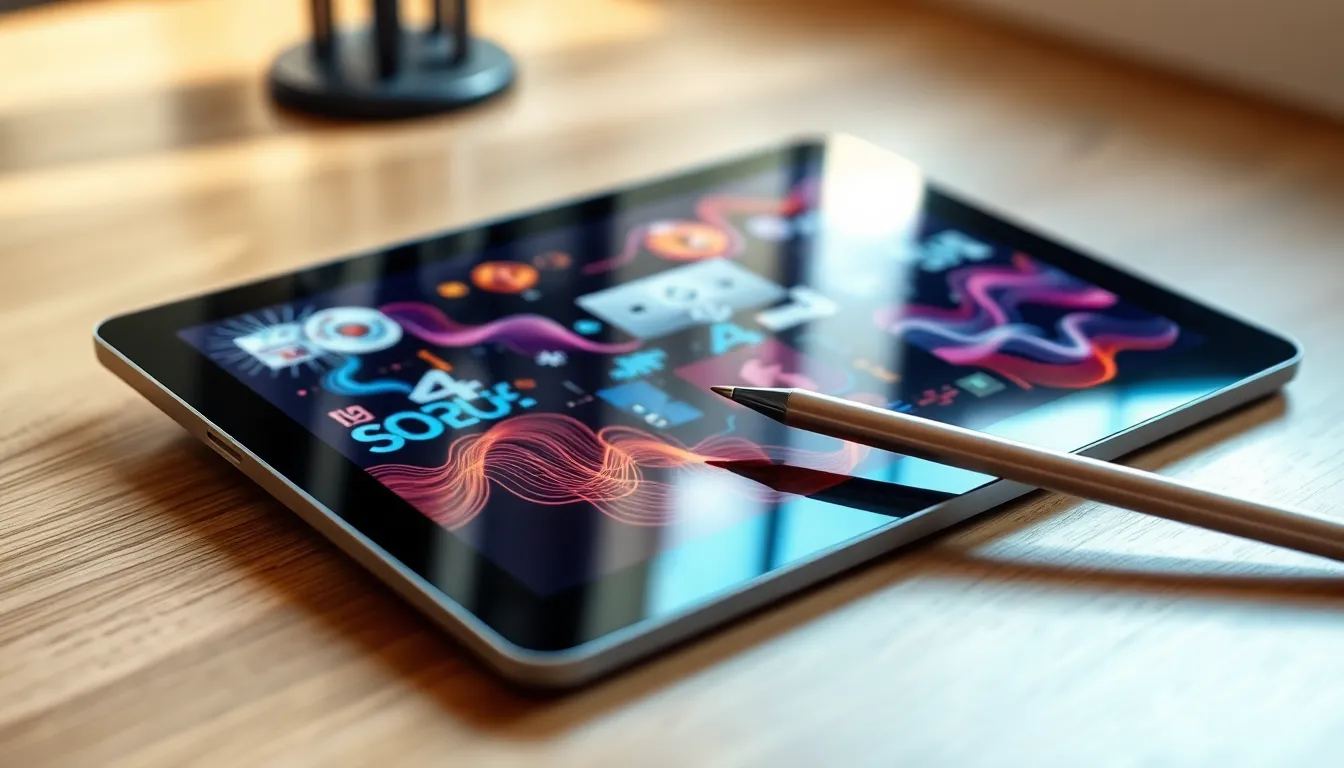
When selecting a tablet with a stylus, several key features influence the overall user experience and functionality. Understanding these features enables users to make informed decisions based on their specific needs.
Display Quality
Display quality plays a significant role in how a tablet performs. High-resolution screens enhance clarity, making detailed artwork and text easier to see. Look for displays with at least 1080p resolution, as this provides crisp visuals for design work or note-taking. Additionally, bright and vibrant colors improve visibility in various lighting conditions. Many users appreciate OLED and AMOLED technology for deeper blacks and more contrast. Overall, a good display minimizes eye strain and enhances the creative process.
Stylus Responsiveness
Stylus responsiveness directly affects the drawing and writing experience. A low latency stylus, ideally under 10 milliseconds, ensures smooth interactions and precise control. Pressure sensitivity is crucial; higher sensitivity levels, such as 4096 or more, allow users to create varying line weights and shading. Tilt functionality aids artists in achieving a natural feel when sketching or writing. Choosing a stylus with customizable buttons enhances versatility, catering to different workflows and preferences.
Battery Life
Battery life is essential for portable devices like tablets. Look for tablets offering at least 8 to 12 hours of battery performance for uninterrupted usage. Fast charging capabilities also matter, as they reduce downtime during important tasks. Energy-efficient displays help extend battery life, allowing for longer creative sessions without needing frequent recharging. Ultimately, a reliable battery ensures users can work on their projects with confidence, regardless of location.
Use Cases for Tablets with Stylus
Tablets with styluses serve multiple purposes, catering to various user needs and preferences.
Creative Professionals
Artists find tablets with styluses indispensable for their work. Enhanced precision allows them to create intricate designs and artwork directly on digital canvases. The pressure sensitivity replicates the feel of traditional drawing tools, fostering a smooth transition between digital and traditional media. Not only do these tablets support a range of applications tailored for sketching and painting, but they also offer customizable shortcuts to streamline the creative process. Popular models, such as the Apple iPad Pro with Apple Pencil or Wacom Intuos, provide features that specifically address the requirements of graphic design and illustration.
Note-Taking and Productivity
Professionals benefit significantly from using tablets with styluses for taking notes and managing tasks. The ability to write by hand creates a more personal touch compared to typing. Features like handwriting recognition transform notes into searchable text, enhancing organization. Users appreciate the option to categorize and highlight information conveniently, while apps designed for note-taking allow seamless integration with calendars and task lists. The versatility of tablets like Microsoft Surface Pro makes them ideal tools for productivity in meetings and collaborative settings.
Educational Purposes
Students leverage tablets with styluses to enhance their learning experiences. Handwriting notes leads to improved information retention compared to typed notes. Educational apps facilitate interactive learning, allowing students to annotate PDFs or create digital flashcards. Collaboration among students becomes easier through real-time edits and shared notes in various platforms. Devices like Samsung Galaxy Tab S series are particularly favored for their educational functionalities, making lessons more engaging and interactive.
Comparison of Top Tablets with Stylus
Exploring top tablets with styluses reveals distinct features among popular models. These differences significantly impact user experience and selection.
Model A vs. Model B
Apple’s iPad Pro and Samsung Galaxy Tab S series stand out as leading options. The iPad Pro excels in display quality, boasting a Liquid Retina display with ProMotion technology, which offers smooth visuals and vibrant colors. The Galaxy Tab S series, known for its AMOLED display, presents stunning contrast and deep blacks, enhancing multimedia consumption. Users appreciate the Apple Pencil’s seamless integration with iOS, providing low latency for precise input. Alternatively, Samsung’s S Pen features pressure sensitivity and tilt recognition, appealing to artists and note-takers alike. Both tablets provide unique features, allowing users to choose based on their personal preferences and needs.
Price vs. Performance Analysis
When weighing price against performance, differences among tablets become evident. The iPad Pro positions itself at a higher price point, starting around $799. Many find the investment worthwhile due to its powerful A-series chip and extensive app ecosystem. In contrast, the Galaxy Tab S series typically starts lower, around $649, while still delivering solid performance with its Snapdragon processor. Battery life remains comparable, with both devices supporting over 10 hours of use on a single charge. Usually, increased specs in premium models justify the cost, but budget options still meet basic users’ needs effectively. Ultimately, prioritizing features based on individual usage ensures better value from these investments.
Tablets with styluses have transformed the way users engage with digital content. They offer a blend of creativity and productivity that appeals to artists, students, and professionals alike. With features like high-resolution displays and responsive stylus technology, these devices provide an unparalleled experience for drawing and note-taking.
Choosing the right tablet involves considering individual needs and preferences. Whether it’s the superior display of the iPad Pro or the affordability of the Galaxy Tab S series, users can find a model that fits their lifestyle. As technology continues to evolve, tablets with styluses will remain essential tools for anyone looking to enhance their creative and organizational capabilities.


